


Mobile Manekispin App
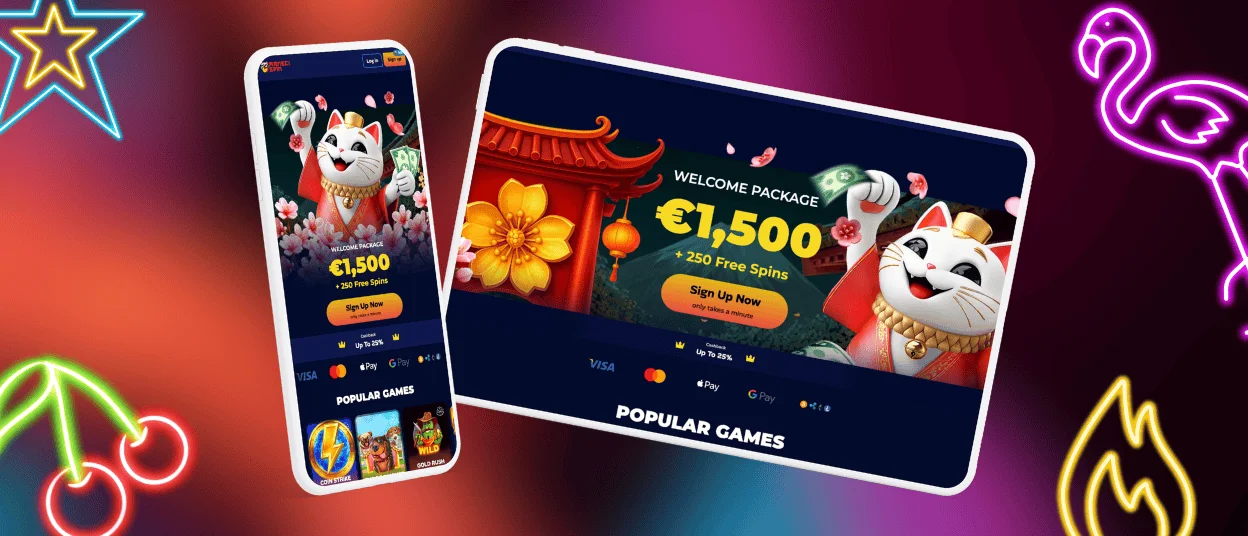
With the Manekispin app, you can play your favourite games anytime. This platform lets you play games anywhere, whether you like to do it on your smartphone, tablet, or desktop computer. The progressive web app can be used on any device and doesn’t need to be downloaded from an app store.



Why Choose the Manekispin App
There are many benefits to using the Manekispin app that make your gaming experience better. You’ll know about new deals and bonuses as soon as they’re available thanks to push notifications. No matter if you’re on a phone, tablet, or desktop computer, the optimised interface will change to fit your screen size.
The app caches important parts on your device, so pages load faster than with a regular mobile browser. This makes games start up faster and the changes between sections feel smoother. You’ll also use less data while playing, which is good if you have a limited mobile plan.
| Feature | Description | Player Benefit |
| Push Notifications | Instant alerts for promotions and bonuses | Never miss special offers or limited-time deals |
| Quick Access | App icon remains on home screen | Quick access without typing URLs or searching bookmarks |
| Optimized Performance | Compressed graphics and cached content | Faster loading times and reduced data usage |
| Full-Screen Mode | No browser bars or navigation elements | Immersive gaming experience with maximum screen space |
| Auto-Updates | Automatic refresh when launched | Always access the latest features and security improvements |
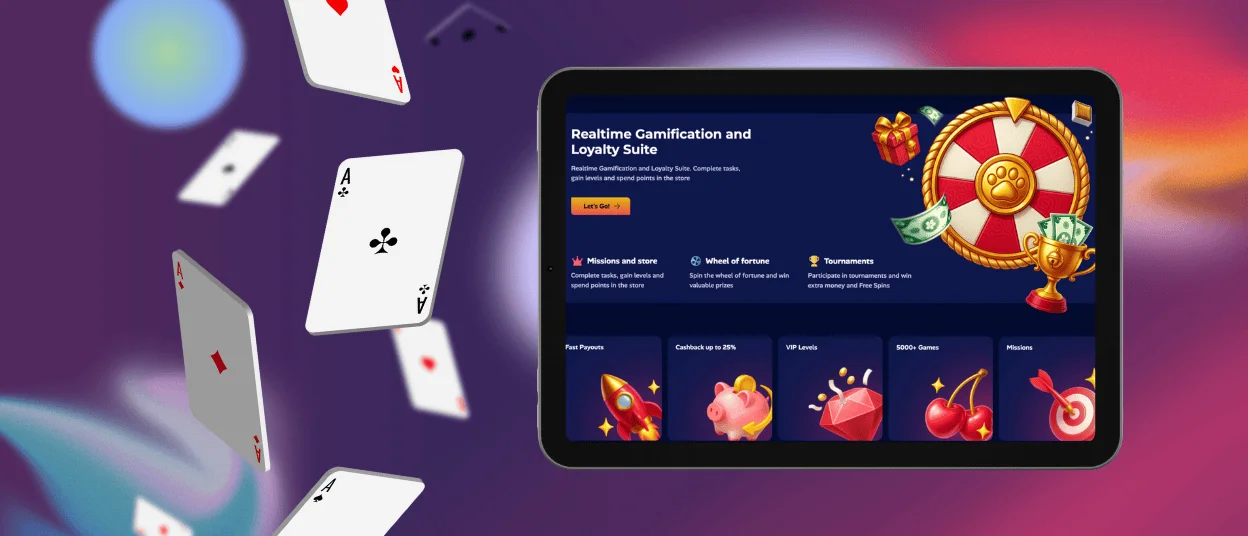
| Cross-Device Sync | Same account works everywhere | Switch between phone, tablet, and computer seamlessly |
Desktop players have bigger screens that can show more game information at once. The bigger view makes it easier to find your way around game categories and check your account information without having to scroll. Some players like how precise mouse controls are for some types of games, while others like how they can keep the platform open with other browser tabs.
Get Started on iOS Devices
iPhone and iPad users can access Manekispin casino through a progressive web app that works like a native app but doesn’t need to be downloaded from the App Store.
Install the Maneki Spin App on iOS
- Open Safari on your iPhone or iPad and visit the official Manekispin website
- Tap the ‘Share’ button at the bottom center of your screen
- Scroll through the menu and select ‘Add to Home Screen’
- Customize the app name if desired, then tap ‘Add’ in the upper right corner
- Find the Maneki Spin icon on your home screen alongside your other apps
- Tap the icon to launch the platform in full-screen mode
When the app opens, there are no browser controls, making it a completely separate space for gaming. Your sessions stay separate from normal Safari browsing, and the icon stays on your home screen so you can get to it at any time.
If you experience any issues with the app installation process, contact the support team through live chat or email.
Android Users Get Full App Features
Android devices support the same progressive web application technology, giving you a complete casino experience through your browser.
Download Manekispin for Android
- Open Chrome or your preferred browser on your Android device
- Go to the official Manekispin website
- Tap the menu icon in the browser’s address bar
- Select ‘Add to Home Screen’ from the dropdown menu
- Choose a name for the shortcut and tap ‘Add’
- Find the new Maneki Spin icon in your app drawer or home screen
- Drag the icon to your preferred home screen location by touching and holding it
When the PWA opens, it takes up the whole screen, just like a native app. If you have an internet connection and open the app, updates will happen automatically, making sure you always have the latest version.
Manekispin for Windows/Mac
You can also play Manekispin on your desktop computer using any modern web browser. Users of both Windows and Mac can access the same full-featured platform without having to download any extra software.
- Open Chrome, Firefox, Safari, or Edge and visit the Manekispin website.
- Log in with your existing credentials or create a new account if you’re a first-time user.
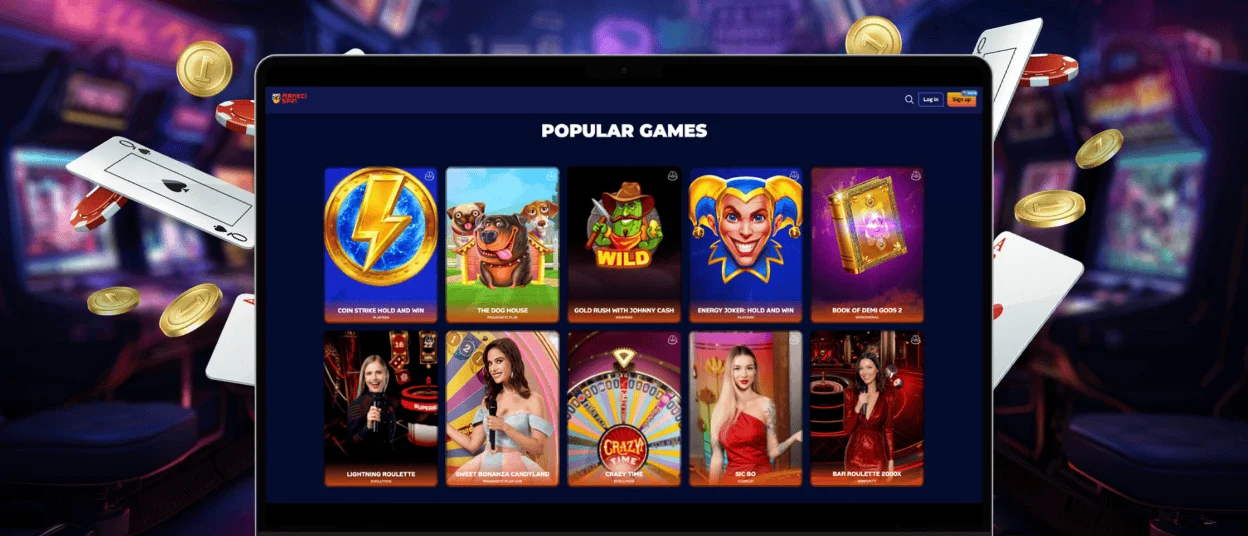
The desktop interface fills your screen and shows game categories, like online slots, featured content, and your account information in a neat way.
Making a shortcut on the desktop makes it easier to get to in the future.
- In Chrome, click the three-dot menu in the upper right corner, select ‘More Tools’, then ‘Create Shortcut’.
- Name your shortcut and check the box for ‘Open as window’ to launch Manekispin in its own window without browser tabs.
People who use Safari on a Mac can drag the URL icon from the address bar to their desktop. With one click, this makes a shortcut that opens Maneki Spin in a new browser window. If you use Firefox, you can right-click the page, choose ‘Create Shortcut,’ and then pick whether you want it on the desktop or in the Start menu.
Desktop gaming suits players who like longer gaming sessions at a desk or larger displays for detailed graphics. The expanded screen makes it easier to track multiple game elements at the same time and reduces eye strain during extended play periods. You can also resize the browser window or use dual monitors to see the platform alongside other apps.
Frequently Asked Questions
Is Maneki Spin available for Android and iOS?
Progressive web application technology supports both platforms. Android and iOS users can add Manekispin to their home screens directly from their browsers. The installation process takes less than a minute on both platforms and doesn’t require app store approvals or downloads.
How is playing on a PC different from playing on a phone?
Mobile casino apps let you play games on the go with ease thanks to their portability, push notifications, and improved touch controls. The small interface works great on smaller screens and keeps all the important features. Desktop versions have bigger screens, better multitasking with browser tabs, and more accurate mouse controls for some types of games. You can play games and use your account on both platforms, so which one you choose depends on where and how you like to play.
Can I log in to both the website and the app with the same account?
You don’t have to do anything to make your account work on all platforms. You can use your username and password to get to your balance, verification process, and settings on any device. Your progress, bonuses, and achievements sync automatically, so you can easily switch between your phone, tablet, and computer all day long. While you’re on the go, start a game on your phone and then finish it on your computer when you get home.


